Category: Uncategorized

  • The 3 Roles Your Project Tool Should Support (But Probably Doesn’t)

    Project management tools aren’t just about organizing tasks—they’re meant to help diverse teams collaborate smoothly, respecting different mindsets, roles, and responsibilities.

    Yet, here’s the issue: most tools cater to just one type of user.

    You’ve probably felt this frustration. Maybe your team lead spends late nights customizing complex dashboards. Perhaps your designers are overwhelmed by multiple layers of Jira epics and sprints. Or your founder is simply looking for clear, affordable insights but finds reporting hidden behind premium pricing.

    There are generally three core roles critical to successful projects:

    Deliverers – Those who execute the tasks.
    Coordinators – Those who manage team flow.
    Strategic Leaders – Those who make high-level decisions.

    Most tools don’t adequately support all three. Here’s what each role truly needs and how Taskboard uniquely addresses these needs.

    1. Deliverers: The People Doing the Work
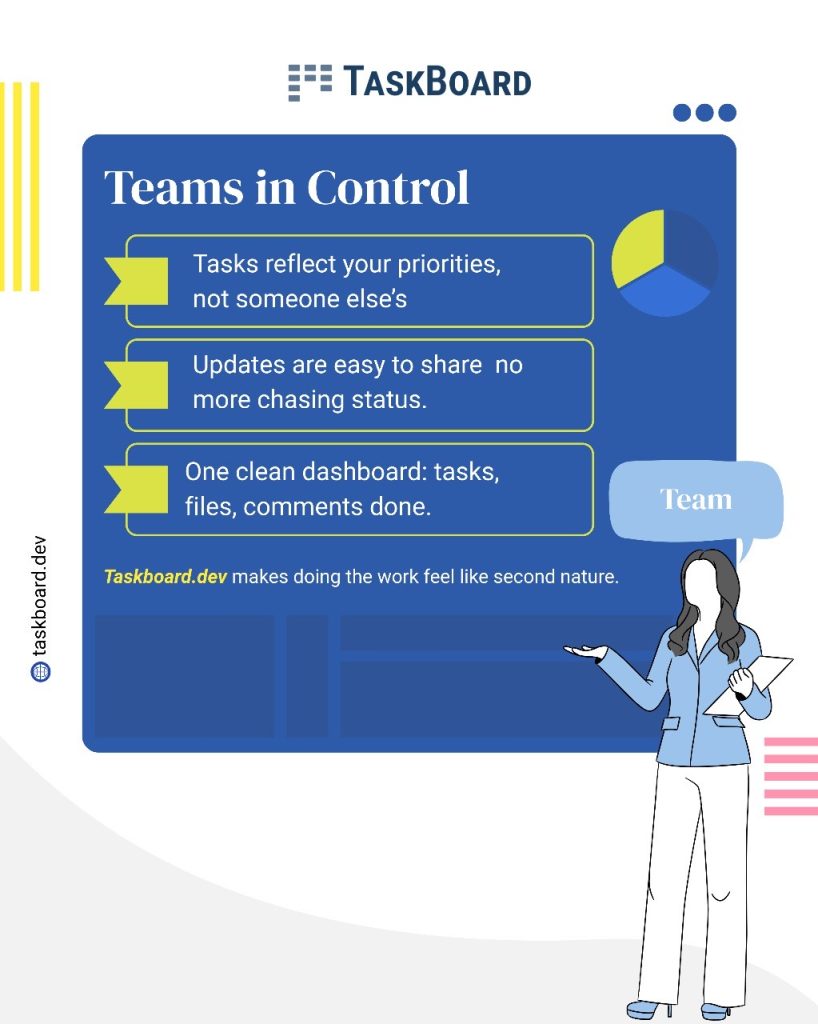

    Who they are: Designers, writers, developers, marketers—anyone actively performing daily tasks.

    What they need:

    • Simple, intuitive UI.
    • Quick task updates.
    • Instant access to comments, files, and labels.
    • Zero learning curve.

    Typical problems:

    • Jira is complex and overwhelming.
    • Asana buries them in unnecessary details.
    • Trello lacks essential structure and integrations.

    How Taskboard solves this:

    • Clean, easy-to-use Kanban boards.
    • Inline editing, quick comments, and seamless file attachments without switching tabs.
    • Built-in, effortless time tracking.
    • A fast, fluid experience on all devices.

    “Taskboard feels like a breath of fresh air for anyone who just wants to finish tasks quickly, without jumping through hoops.”

    2. Coordinators: Those Keeping Teams Aligned
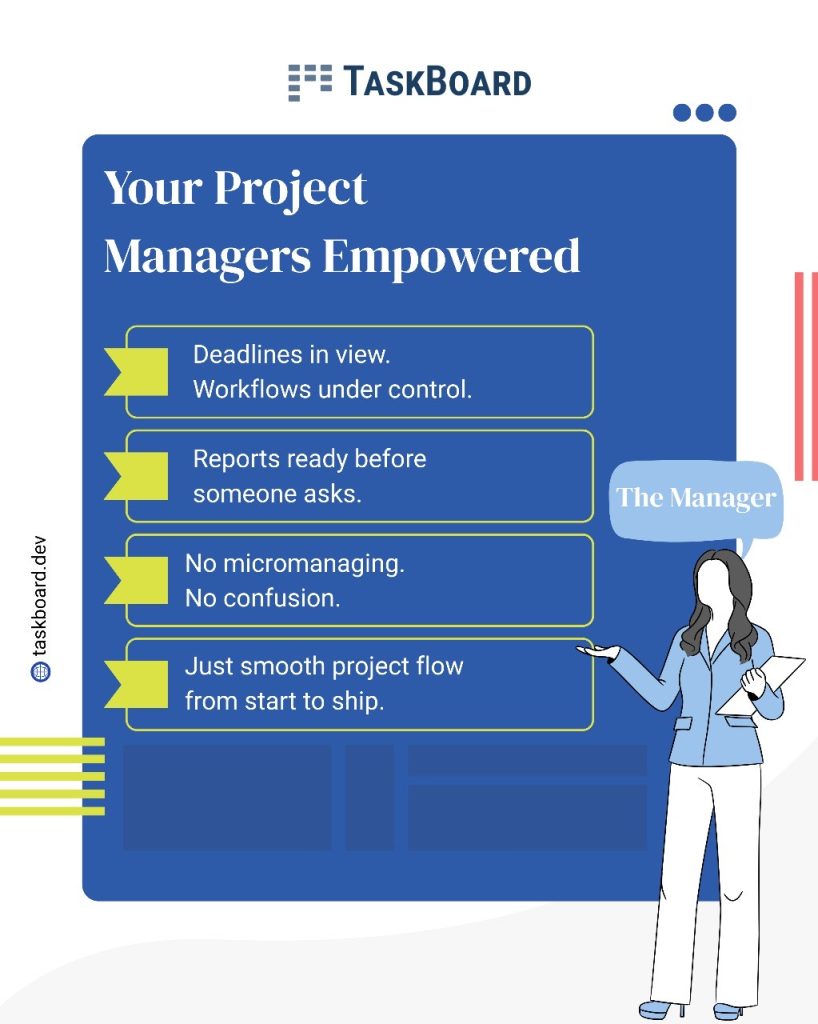


    Who they are: Project managers, team leads, operational staff—those constantly asking, “Are we on track?”

    What they need:

    • Real-time team visibility.
    • Flexible, adaptable workflows.
    • Easy communication without multiple notifications.
    • Tools that don’t require constant maintenance.

    Typical problems:

    • Trello struggles with multiple projects.
    • Asana demands extensive setup and maintenance.
    • Jira requires expert setup and constant adjustments.

    How Taskboard solves this:

    • Real-time, automatic board updates.
    • Flexible, easily editable workflows (columns, tags, filters).
    • Built-in time tracking for immediate insights.
    • Easy-to-use filters and views based on team members, priorities, or project phases.

    Lead your project effortlessly, without being bogged down by the tool itself.

    3. Strategic Leaders: Clarity Without Complexity
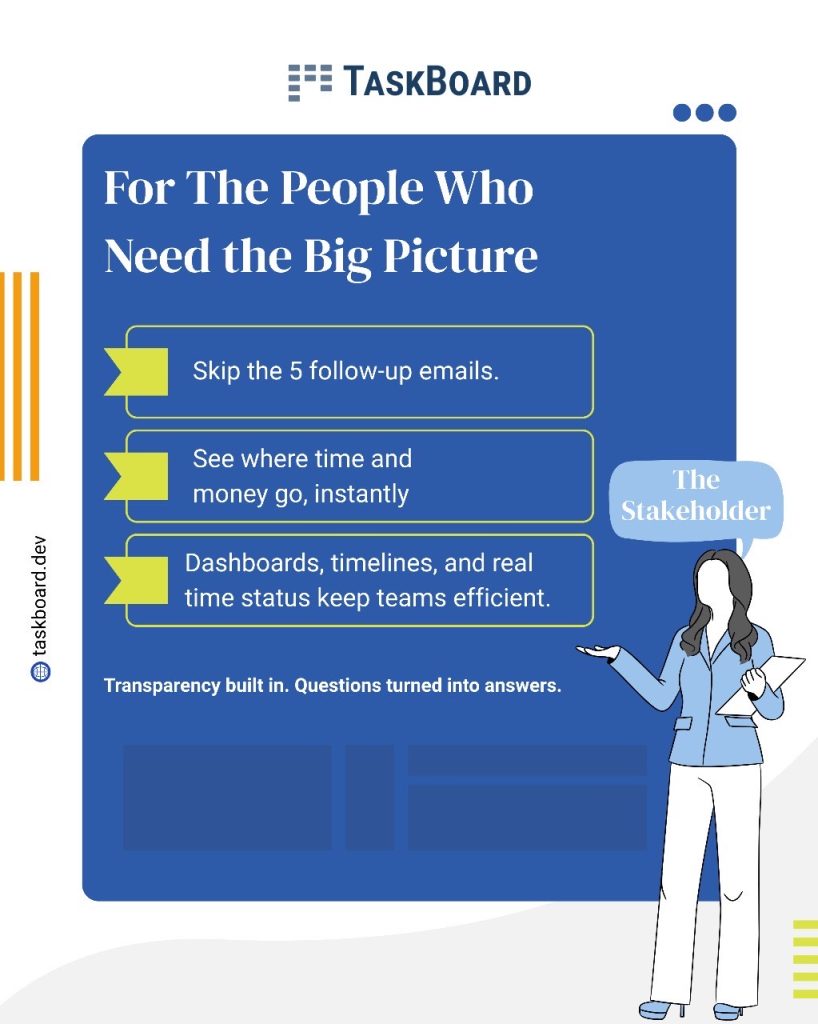

    Who they are: Founders, department heads, product owners, executives—those making strategic decisions based on operational insights.

    What they need:

    • A clear, high-level project view.
    • Immediate access to vital statistics and progress metrics.
    • Affordable scalability.

    Typical problems:

    • Paywalled reports and roadmap views.
    • Complex, cluttered dashboards.
    • Hidden fees and per-user pricing models.

    How Taskboard solves this:

    • Integrated roadmap views linking tasks to broader objectives.
    • Direct access to essential metrics: task counts, logged hours, overdue tasks—all without additional fees.
    • Transparent, flat pricing—everyone has full feature access.
    • Real-time, reliable data without waiting for custom reports.

    Taskboard provides clear insights, not endless complications.

    Why Do Most Tools Fail?

    Most tools focus on one user persona:

    • Jira caters mostly to engineers.
    • Asana and Monday are PM-centric.
    • Trello suits freelancers and startups but struggles at scale.

    However, real teams are multi-dimensional—doers, managers, and decision-makers need distinct support within the same tool.

    Taskboard: Built for Real Teams

    Taskboard wasn’t created to simply offer more features—it was developed from real frustration with complicated tools. It provides:

    • Deliverers with clean, efficient boards.
    • Coordinators with live visibility and adaptability.
    • Strategic leaders with clear, actionable insights.

    All supported by:

    • Transparent pricing without hidden costs.
    • Built-in time tracking.
    • Intuitive, team- focused UI.

    The Bottom Line

    Your team deserves a tool that complements their workflow, not one that demands constant adaptation.

    With Taskboard, everyone from deliverers to strategic leaders thrives effortlessly—no friction, no unnecessary complexity.

    Try Taskboard today—no credit card required, no complicated setup. Just seamless, productive teamwork.
  • The TaskBoard Story: A Journey from In-House Solution to Industry Game-Changer

    When we first created TaskBoard, it was never meant to be anything more than an internal tool. I remember the day clearly—I was frustrated with the limitations of existing project management software. High per-user fees made it impractical to onboard everyone we needed, especially short-term contractors or clients, and the complex setup didn’t make it any easier. Our workflows were stalling, and we needed something lean, fast, and intuitive that would actually support our team’s needs.

    So, we built our own solution. The first version of TaskBoard was as simple as it gets: a chat-style interface that showed projects on the left and tasks on the right. It was quick, responsive, and designed for people who just wanted to get work done. Creating a task felt as easy as sending a message—click the board, create the task, hit enter, and it was done. Moving tasks around was a breeze with drag-and-drop functionality, and most importantly, there was no lag. We could feel the difference immediately. This wasn’t just another task tracker; it was a system that fit the way we actually worked.

    As we used it, we began adding features to solve our own workflow pain points. One of the biggest challenges was tracking hours on tasks. We implemented a worklog feature where everyone could log their daily hours, making it easy to see where time was being spent. Soon, we had a clear picture of our team’s productivity, and it was easier to balance workloads across projects. I can’t tell you how much this feature helped us optimize our resource allocation. We started grouping people into teams and could quickly see who was overbooked and who had some bandwidth, letting us move resources where they were most needed.

    At that point, a few friends and family companies started using TaskBoard as well. Their feedback was overwhelmingly positive, and we saw potential to share TaskBoard with a wider audience. But here’s where things got complicated. Initially, we thought we could offer TaskBoard as a downloadable product, something companies could install and run themselves. But it turned out that setup and ongoing maintenance were significant obstacles. So we shifted to a fully hosted model, which gave clients full access to all features without the overhead of software management, support, or per-user fees. This change simplified everything—clients got the power of TaskBoard without any hassle, and our model became much more scalable.

    As TaskBoard matured, we recognized the need for tracking projects by milestones rather than rigid two-week sprints. We added Milestones as a way to group tasks with progress bars, estimated hours, and checkpoints. With Milestones, we could see exactly how a project was progressing, down to which tasks were taking longer than planned. Once a Milestone was locked, it couldn’t be changed, bringing a level of accountability that transformed the way we worked. Everyone felt responsible for delivering on time, and clients knew exactly what to expect. We even added a buffer for bug fixes and feedback, which kept unforeseen issues from derailing our release schedules.

    Another game-changer for us was integrating billing into the worklogs. By tagging tasks as billable or non-billable, we could accurately track hours and generate invoices that reflected the real work done. Before this, tracking and billing hours was chaotic, and we often missed out on billable hours. TaskBoard streamlined this process, letting us bill clients with transparency and accuracy

    Looking back, TaskBoard was born out of a need for something practical, user-friendly, and efficient. It’s been incredible to see how a tool we initially built just to make our own lives easier has evolved into a comprehensive project management platform that serves other companies just as well. We’ve kept it simple, accessible, and powerful, without the per-user fees or hidden costs.

    Today, TaskBoard has become the go-to platform for teams who want a streamlined, no-nonsense approach to project management. It’s more than just software; it’s a system built by people who understand the daily grind, the urgency of deadlines, and the value of accountability. That’s the TaskBoard story, and we’re excited to see where it goes next.